Upload a photo or use camera to apply GPS stamps
Free GPS Map Camera Online
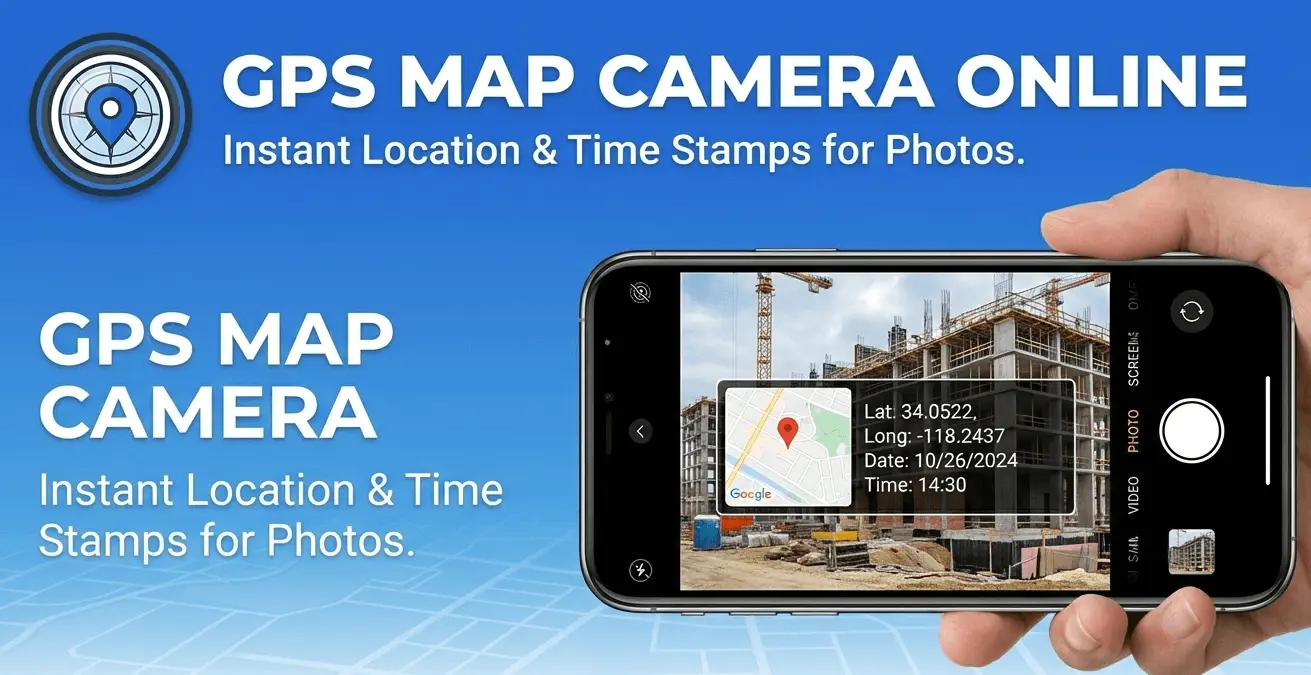
GPS Map Camera Online is a free online tool that allows you to add live GPS location, map, latitude, longitude, date and time stamp to your photos instantly. No app installation required – everything works directly in your browser.
You can upload an existing image or capture a photo with your camera and instantly generate a GPS photo stamp online.
What is GPS Map Camera Online?
GPS Map Camera Online is a web-based geo tagging tool that captures your current location and adds it directly onto your photos. It displays accurate address details, coordinates, map preview, and timestamp on the image.
Key Features
- Add Live GPS Location to Photos
- Display Latitude & Longitude Coordinates
- Add Date, Time & Timezone Stamp
- Embed Google Map Preview
- Custom Editable Text Fields
- Works on Mobile & Desktop
- 100% Free Online Tool
- Option for Compressed Image Output
How to Use GPS Map Camera Online
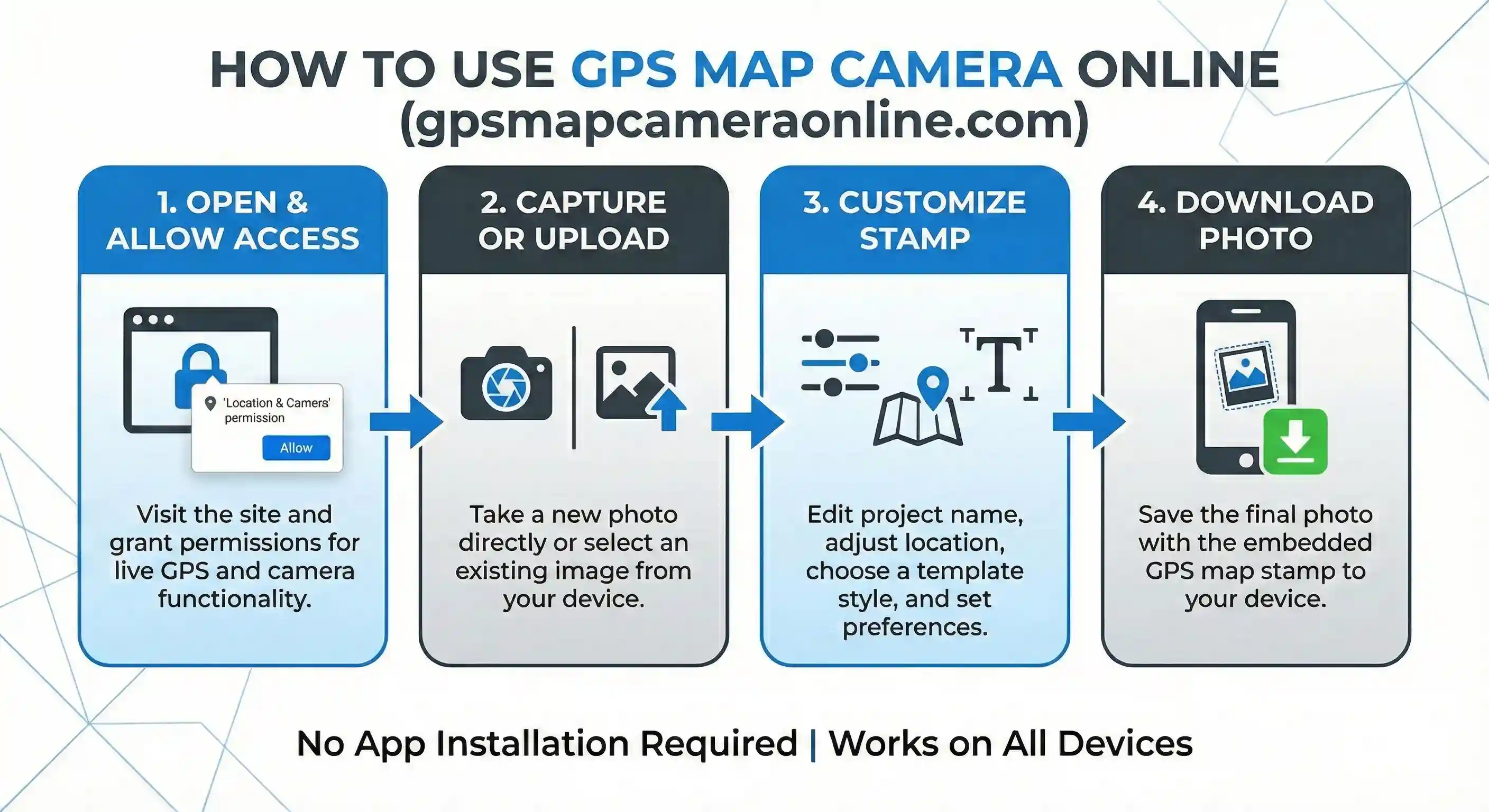
- Upload your photo or capture using camera.
- Allow location access to fetch live GPS data.
- Edit details if needed.
- Click Generate and download your stamped photo.
Why Use Our GPS Map Camera Tool?
Unlike mobile apps, our GPS Map Camera Online tool works instantly in your browser without installation. It is lightweight, fast, and privacy-friendly.
Who Can Use This Tool?
This tool is perfect for field workers, real estate agents, construction engineers, government surveyors, delivery executives, and travelers who need proof of location in their photos.
Frequently Asked Questions (FAQs)
Is GPS Map Camera Online free?
Yes, our tool is completely free to use.
Does it store my photos?
No, all processing happens in your browser. We do not store any images.
Can I edit location manually?
Yes, you can search and select a custom location on the map.