How to Edit GPS Location on Existing Photos Online
Table of Contents
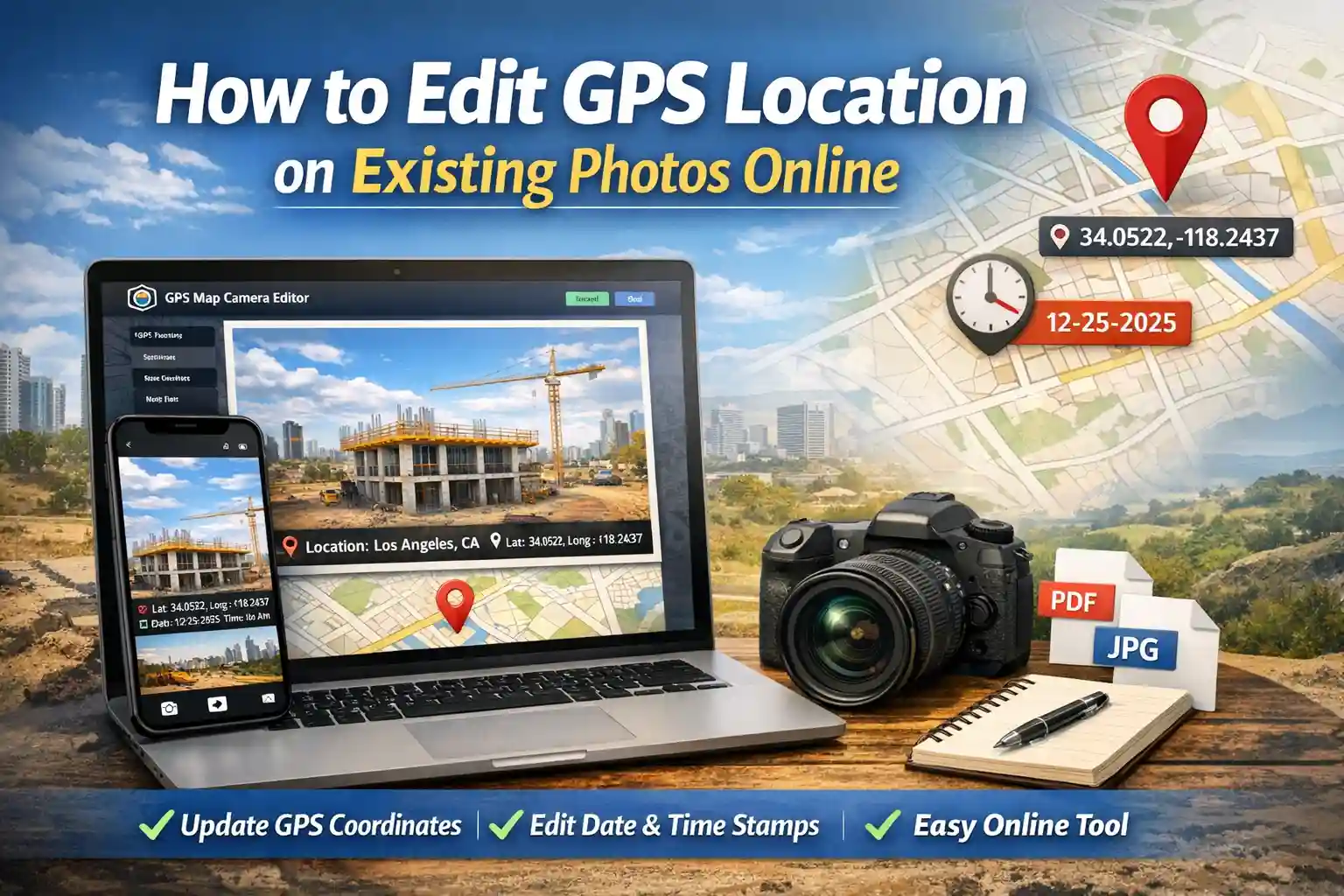
Have you ever looked back at an important site photo only to realize the location data was missing or incorrect? Our GPS Map Camera Editor is the leading online tool for adding precise location data to your existing photos. Whether you need to fix incorrect geotags or add professional stamps for documentation, this tool provides a fast, browser-based solution.
Edit GPS Location on Photos Online
Our tool works like a GPS camera online, allowing you to add GPS stamps on photos online even if the image was captured earlier. This is essential for professionals who might have forgotten to toggle their GPS settings during a busy field survey.
Key Features of the Editor
- Add GPS location stamps to any gallery photo instantly.
- Use the photo date editor online to sync timestamps with your physical logs.
- Customizable map overlays to provide visual context.
- Specific Project and site name fields for high-quality professional reporting.
- Export in High-compression JPG or professional PDF formats.
How to Add GPS Location to Photo Online
With this GPS map camera editor you can easily add GPS location to any photo. Follow these 4 simple steps to geotag your photos instantly:
- Upload Photo: Select any image from your mobile or desktop gallery.
- Set Location: Use the live search bar or drag the map marker to the exact coordinates.
- Customize: Add project names and verify the date/time stamp.
- Export: Choose your format and download your stamped photo.
Why Use Our GPS Map Camera Editor?
Unlike mobile apps, our tool works instantly in your browser without installation. It is easy, lightweight, fast, and 100% privacy-friendly. No data ever leaves your device; everything is processed locally.
Need to capture a new photo with live GPS stamps? Use our GPS Map Camera Online tool to take photos with automatic location, date, and map overlay in real-time.
Use Cases for GPS Map Camera Editor
- Construction site documentation: Ensure every milestone is geographically verified.
- Field survey reporting: Fix coordinate errors in your final submissions.
- Real estate property inspection: Add clear address stamps for potential buyers.
- Delivery proof photos: Provide indisputable evidence of drop-off locations.
- Travel photography: Create a visual diary of your journey with custom location stamps.
Frequently Asked Questions
Is this GPS map camera editor online free?
Yes, all features including coordinate editing and map stamps are completely free to use.
Does it support bulk editing?
Currently, the editor processes one photo at a time to ensure maximum accuracy and stamp quality for every individual file.
Can I change GPS location in a photo after taking it?
Yes. Using a GPS map camera editor you can edit or add GPS coordinates, map location, date, and time stamps to existing photos directly from your browser.