How to Edit GPS Location on Existing Photos Online
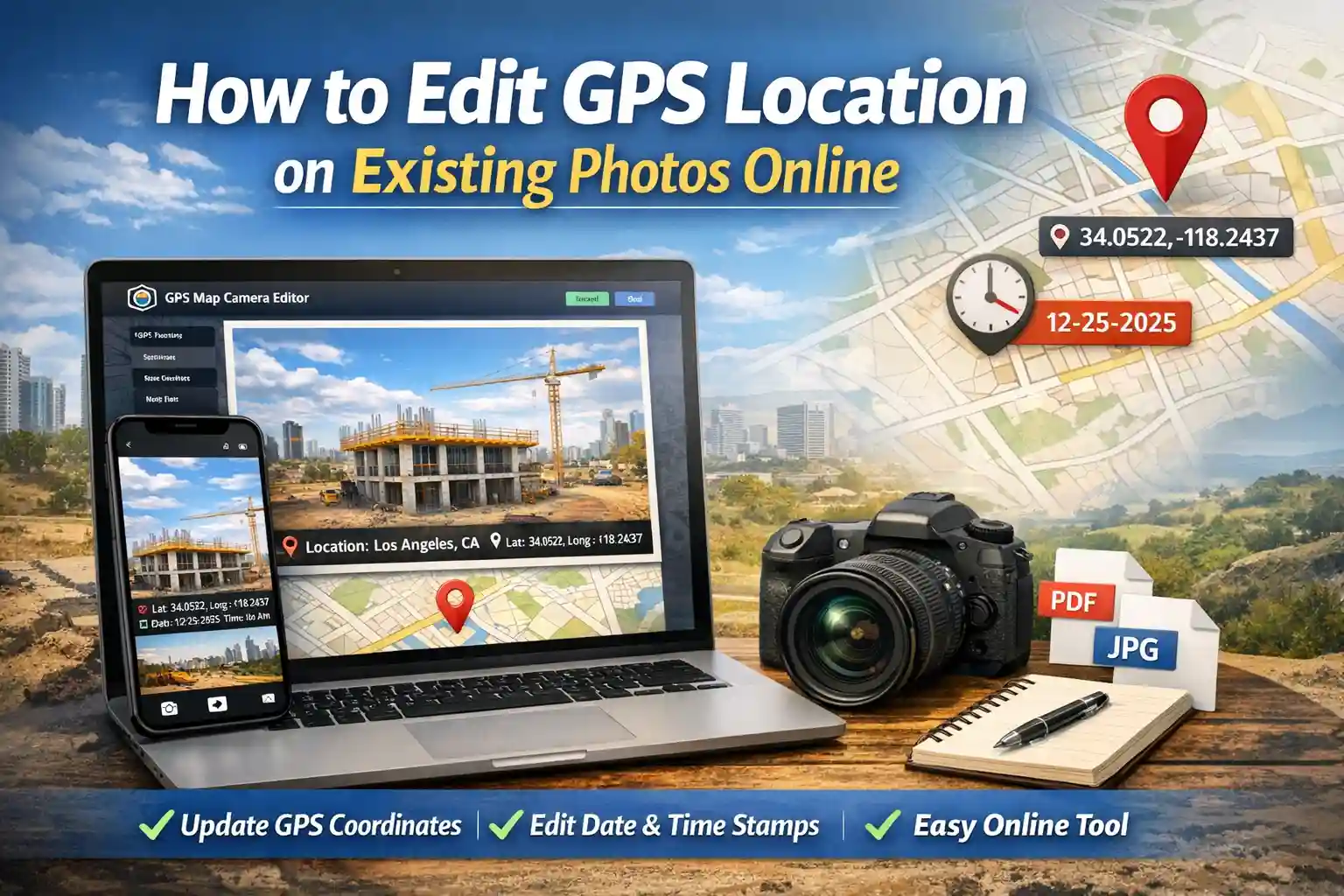
Table of Contents
The Need for Post-Capture Geotagging
Have you ever spent hours conducting a field survey or site inspection, only to return to the office and realize your camera's GPS was toggled off? Or perhaps you've received photos from a subcontractor that are missing the critical address data required for your final report. These gaps in documentation can lead to payment delays, project disputes, and audit failures.
Our GPS Map Camera Editor is designed to solve these professional headaches. It is a powerful, browser-based utility that allows you to add precise location, coordinates, and map data to existing photos. Unlike native apps that often compress your original files, our editor focuses on high-quality output and precise metadata injection.
Key Features of the GPS Map Camera Editor
This isn't just a simple text overlay tool; it is a specialized GIS (Geographic Information System) utility for your browser. Here is why it has become a favorite for field professionals:
- Manual Coordinate Control: Don't rely on auto-detection. You can type in exact Latitude and Longitude values or use a draggable map marker for pin-point accuracy.
- Dynamic Map Overlays: Add a mini-map thumbnail directly onto your photo. This provides visual context that coordinates alone cannot offer.
- The Photo Date Editor: Sync your image timestamps with your official site logs. This is critical for construction milestones and delivery verification.
- Custom Project Labels: Add site names, contractor IDs, or project phases (e.g., "Main Foundation Pour - Phase 1") directly into the stamp.
- Zero Data Loss: We use advanced canvas rendering to ensure your original image quality is maintained while adding the visual data.
Step-by-Step: How to Add GPS Location Online
Geotagging your existing gallery photos is a simple, 4-step process that takes less than a minute:
- Upload Your Image: Click the upload area to select a photo from your PC or mobile gallery. Our tool supports JPG, PNG, and WebP formats.
- Set the Exact Location: Use the "Search Location" bar to find a street address, or drag the red marker on the Leaflet map. As you move the marker, the latitude and longitude fields update in real-time.
- Customize the Data: Verify the "Address Overlay" text. You can edit this to be as specific as you need. Fill in the "Project Name" to make the stamp look professional for your reports.
- Generate and Download: Choose your preferred stamp style (like Rounded White Glass) and click "Update Stamp." Once satisfied with the preview, hit "Save Stamped Photo."
The Role of a Photo Date Editor Online
A common issue in field documentation is a camera's internal clock being set incorrectly. In a professional audit, a photo taken on Monday but stamped as "Sunday" can be flagged as fraudulent. Our built-in photo date editor allows you to correct these discrepancies. By manually adjusting the date and time strings, you ensure that your visual evidence matches your paper logs, maintaining the integrity of your entire audit trail.
Professional Accuracy Standards
In 2026, the standard for "Proof of Work" has evolved. Simple photos are easily challenged in legal or insurance disputes. However, a photo that includes a hard-coded map, GPS coordinates, and a verifiable address is much harder to refute. This is why site inspectors, real estate appraisers, and delivery agents are moving toward visual stamping as their primary "Document of Truth."
Privacy & Browser-Side Processing
As a developer-led team, we prioritize your data security. Unlike many "free" online editors that upload your photos to a cloud server (where they might be stored or analyzed), our GPS Map Camera Editor uses client-side processing. This means the actual image rendering happens within your browser's memory. Your sensitive site photos never leave your device, ensuring complete privacy and compliance with corporate data protection policies.
Frequently Asked Questions
Is this GPS map camera editor online free?
Yes. Every feature—from map overlays to the coordinate search—is 100% free. We believe professionals should have access to reliable documentation tools without subscription hurdles.
Can I add location to multiple photos at once?
To ensure the highest accuracy for every project site, the editor currently processes photos one at a time. This prevents "bulk errors" where multiple sites might accidentally get tagged with the same address.
Does this tool work on mobile devices?
Absolutely. It is fully responsive and works perfectly on Chrome for Android and Safari for iPhone. You can edit your gallery photos right from the field before you even head back to the office.
Ready to fix your project photos?
Add professional GPS stamps to your existing photos in seconds.
Start Editing Now
Priyanshu built GPS Map Camera Online after running into privacy issues and slow performance with traditional mobile GPS camera apps. He specialises in browser-based tools for field documentation and photo geotagging — keeping everything fast, private, and free.
View all posts →