Click, drag & drop, or paste an image
JPEG & PNG supported · Your file never leaves this browser
Load a photo to scan and erase its embedded data
Instantly strip hidden photo information — GPS coordinates, device fingerprints, timestamps, and AI generation tags — before sharing any image online. Processed entirely in your browser. Free, private, no account needed.
Load a photo to scan and erase its embedded data
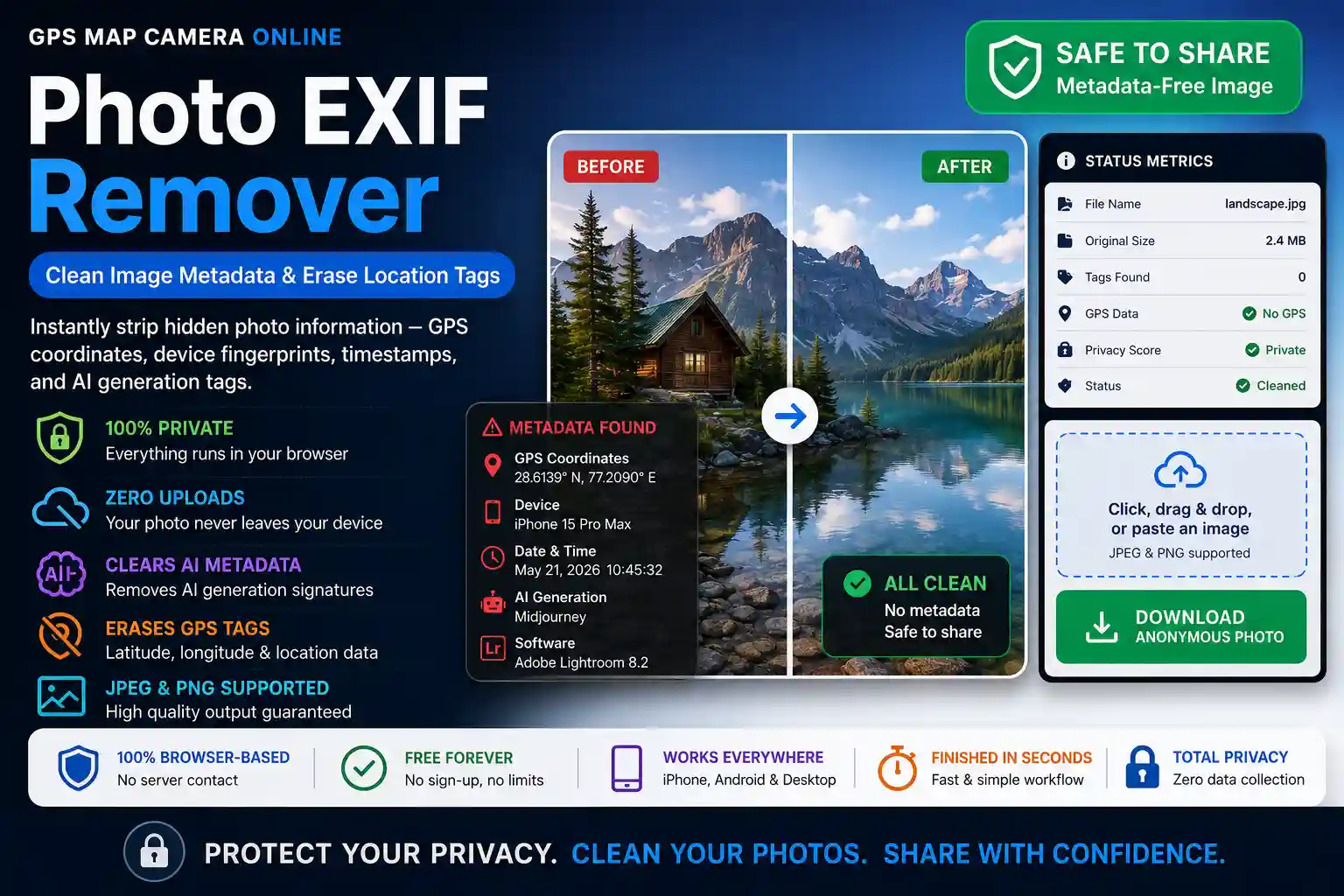
Open any photo straight from a phone in a hex editor and you'll find two files stitched into one: the picture you can see, and a second, invisible record sitting in front of it. That second record is what cameras and apps write automatically, every single time, with no prompt and no warning. Most people who use this tool aren't trying to learn what's in that record — they already suspect something is, and they just want it gone before the file leaves their hands. That's the difference between this page and a metadata viewer: a viewer is for curiosity, this is for cleanup before you hit "post."
The need for this shows up in fairly specific, recurring situations rather than as a general precaution:
It's worth being precise about the mechanism rather than just asserting it works. The browser loads your file into an <img> element, decodes the pixel grid, and paints that grid onto a <canvas>. The canvas element has no field, container, or schema for EXIF, IPTC, or XMP — it only understands pixel colour values. When you export from the canvas with toBlob(), the browser writes a brand-new file from scratch using only what the canvas knows: colour data. There's no metadata to "delete" because the new file was never given the chance to inherit it in the first place.
The honest caveat: this is a re-encode, not a byte-copy. JPEGs are recompressed at 95% quality, which is visually indistinguishable from the original but is not bit-for-bit identical — fine for sharing and selling, not suitable if you need a forensically untouched original for legal evidence (in that case, you want the raw file with metadata redacted by a forensic tool, not re-rendered).
When the scan reports a tag count, that number is usually made up of a predictable handful of categories rather than one giant undifferentiated block:
| Category | Typical Field Count | Risk Level |
|---|---|---|
| GPS block (lat/long/altitude/timestamp) | 6–10 fields | High — pinpoints a real location |
| Device identifiers (make/model/serial/firmware) | 4–8 fields | Medium — links photos to one device |
| Capture settings (ISO/aperture/shutter/flash) | 10–15 fields | Low — technical, rarely exploited |
| Software/AI signatures & editing history | 1–5 fields | Medium-High — reveals origin or violates platform terms |
| Embedded preview thumbnail | 1 binary field | Medium — may show cropped-out content |
This is why a "0 GPS, but 22 tags found" result still matters: the location risk might be gone, but device fingerprinting and embedded thumbnails often aren't, and those alone can be enough to deanonymize a photo across multiple posts.
Most people assume the social network or messaging app they're using already strips this on upload. Some do, inconsistently, and only for GPS — almost none touch device identifiers or AI signatures, and email is the biggest gap of all since attachments typically pass through completely intact. If you're not certain a destination strips metadata, the safer assumption is that it doesn't, and cleaning the file yourself first costs about two seconds.
Want to see what's actually in a file before deciding whether to remove it? The Photo EXIF Viewer lays out every tag in plain language. Need to plot the GPS coordinates from a photo onto a map instead of erasing them? Try the Photo Location Finder. And if your workflow runs the other way — adding a live, verifiable location stamp to a photo rather than stripping one — the GPS Map Camera Online tool and its editor handle that, with the Bulk Stamper for batches of up to 20 images.

Priyanshu built GPS Map Camera Online after running into privacy issues and slow performance with traditional mobile GPS camera apps. He specialises in browser-based tools for field documentation and photo geotagging — keeping everything fast, private, and free.
View all posts →