Upload up to 20 photos at once. Apply GPS location, date, time & map stamps to all in seconds. Download individually or as a ZIP. 100% free — no upload, no app.
Click to choose photos or drag & drop here
JPG, PNG, WEBP · Max 20 photos
Your stamped photos will appear here
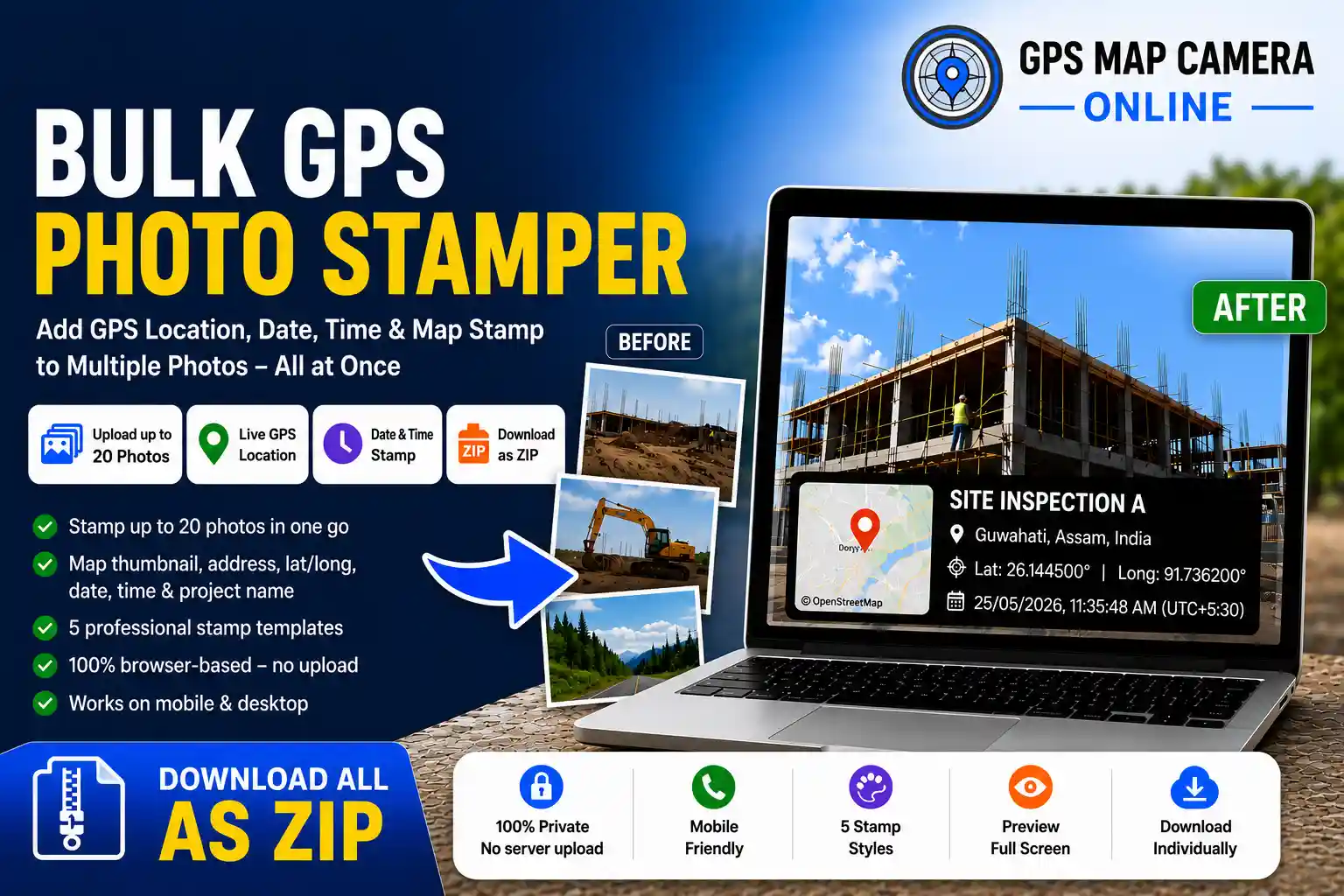
What this tool does: Upload up to 20 photos at once. Set your GPS location once. Apply a professional stamp — showing live coordinates, full address, map thumbnail, date, time, and site name — to every photo simultaneously. Download all stamped images as a single ZIP file. Everything runs inside your browser. Your photos never leave your device.
Stamping photos with GPS location one by one is one of the most tedious parts of field documentation. Whether you are a construction engineer returning from a site visit, a delivery driver finishing a shift, or a property inspector wrapping up a walkthrough, you should not have to repeat the same upload-stamp-download cycle fifteen times. The Bulk GPS Photo Stamper is the only free, browser-based tool that processes all your photos at once and hands back a complete ZIP — ready to attach to a report or send to a client.
This tool is part of the GPS Map Camera Online suite of free location photo tools. If you need to stamp a single photo with full customisation controls, use our main GPS camera tool. If you need to edit or re-stamp an existing photo, use the GPS Map Camera Editor. And if you need verified location stamps on a large batch in one go — you are already in the right place.
The entire workflow — from upload to stamped ZIP — takes under two minutes, even with a full batch of 20 photos.
Drag and drop up to 20 photos onto the upload zone, or click to browse. JPG, PNG, and WEBP are all supported.
Your browser will request GPS permission. Click Allow and your live coordinates auto-fill all location fields instantly.
Add a project or site name, verify the address, adjust the timestamp, and choose from five stamp style templates.
Click the Stamp All button. A live progress bar shows each photo being processed. Processing time depends on your device speed and image size.
Click any thumbnail to open a fullscreen preview. Download a single photo or click Download ZIP for the entire batch.
💡 Pro Tip: You can manually search any location on the map instead of using live GPS — useful when stamping photos from a previous site visit. Just type the address in the search field and press Enter.
Upload and stamp an entire day's worth of site or delivery photos in one session — not one tedious image at a time.
Your browser's geolocation API auto-fills latitude, longitude, and reverse-geocoded address the moment you allow access.
Drag the map marker or click any point to update the location. The address and coordinates update live as you move the pin.
Choose from Rounded Black Glass, Rounded White Glass, Modern Black, Classic White, or Minimalist Text.
Download every stamped photo in a single ZIP file — ready to attach to emails, reports, or shared drives immediately.
Click any thumbnail to open a fullscreen lightbox preview before downloading. Navigate with arrow keys.
Every photo is processed entirely in your browser using the Canvas API. Nothing is ever sent to or stored on any server.
Works in Chrome, Safari, Firefox, and Edge on Android, iPhone, Windows, and Mac. No app installation ever needed.
Add a project name or site label that appears prominently on every stamped photo in the batch.
This tool is purpose-built for professionals who generate location-verified photo documentation regularly. These are the most common real-world use cases:
Stamp all daily progress photos with project name, GPS coordinates, and date in one operation. Client reports are ready the moment you are back at your desk.
Bulk-stamp all drop-off photos from a shift with verified location and timestamp — a solid proof-of-delivery record for every job with zero extra effort per photo.
Stamp all walkthrough photos at once with verified address and date — ready for client reports, listings, and compliance records in seconds.
Upload all damage photos and apply GPS and timestamp stamps in bulk. Useful for creating organised visual documentation records for claims and assessments.
Field engineers documenting poles, pipelines, or meters can stamp entire survey photo sets at once instead of processing them individually after the site visit.
Compliance officers who need photographic evidence of field conditions can generate a complete stamped photo set in under two minutes.
Many free GPS stamp tools online process one photo at a time, while some paid alternatives offer bulk workflows. This tool combines browser-based bulk processing, ZIP download, interactive map support, and multiple stamp templates in a free workflow designed for fast field documentation.
| Feature | GPS Map Camera Online (Bulk) | Other Free Tools | Paid Bulk Tools |
|---|---|---|---|
| Bulk stamp (multiple photos) | ✓ Up to 20 at once | ✗ One at a time | ✓ Yes |
| Download all as ZIP | ✓ Yes | ✗ No | ✓ Yes |
| Photos stored on server | ✓ Never | ✗ Often uploaded | ✗ Often uploaded |
| Browser-based — no install | ✓ Yes | ✓ Yes | ✗ App required |
| Interactive map pin | ✓ Yes | ✗ Rarely | ✓ Yes |
| Multiple stamp templates | ✓ 5 styles | ✗ Usually 1 | ✓ Yes |
| Custom project name stamp | ✓ Yes | ✗ Rarely | ✓ Yes |
| Fullscreen preview (lightbox) | ✓ Yes | ✗ Rarely | ✓ Usually |
| Mobile browser compatible | ✓ Yes | ✓ Varies | ✗ Often app only |
| Cost | ✓ Free | ✓ Free | ✗ $15–$49/month |
For professionals handling sensitive field documentation — construction site progress, client property photos, insurance damage records, or legal evidence — privacy is not optional. This is why the Bulk GPS Photo Stamper is built entirely on client-side processing. Every image is rendered using your browser's built-in Canvas API, processed in memory, and handed back to you as a downloadable file. No photo data passes through a server at any point.
This is the same privacy-first architecture used across all tools on GPS Map Camera Online — from the single-photo GPS camera to the GPS photo editor. There are no analytics attached to your images, no log of what you photograph, and no third party with access to your files.
🔒 Note: Location access (GPS) is requested by your browser, not by this website. You can deny permission and manually enter or search for any address on the map instead. The tool works fully either way.
Every photo processed by this tool receives a professional stamp that includes all of the following, permanently visible on the image itself:
Unlike hidden EXIF metadata — which is stripped by WhatsApp, Instagram, and most email clients — these elements are burned directly into the image pixels. They survive compression, forwarding, re-uploading, and screenshot. To understand this difference in more detail, read our guide on how to add GPS location to photos online.
Browser-based bulk GPS photo stamping with ZIP download support — no app installation required.
📷 Start Stamping Now — It's Free
Priyanshu built GPS Map Camera Online after running into privacy issues and slow performance with traditional mobile GPS camera apps. He specialises in browser-based tools for field documentation and photo geotagging — keeping everything fast, private, and free.
View all posts →